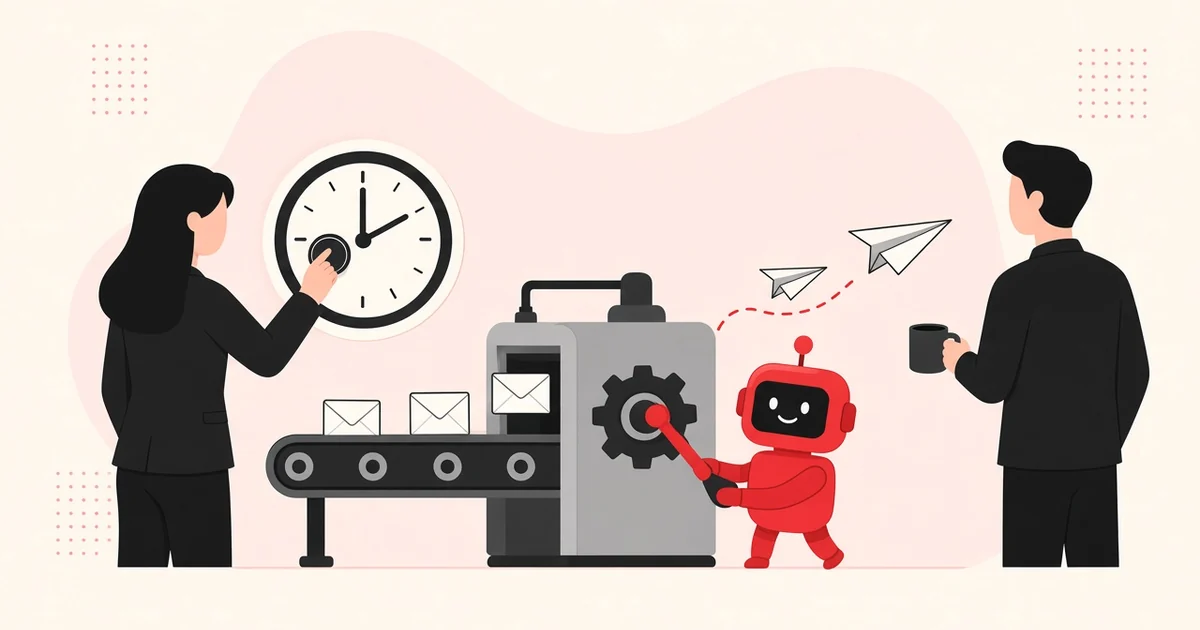
Automating B2B email means a tool sends, schedules and follows up on your emails according to rules you set: who gets what, when, and what happens when they reply. You do it in seven steps: goal, segment, data, domains, sequence, stop rules and measurement.
Updated 1 November 2026 · Ricard Vidal Batiste
What does email automation mean in B2B?
It means replacing repetitive tasks with rules. Instead of a rep sending each email by hand and noting in a spreadsheet when to follow up, the tool does it and stops as soon as the contact replies.
There are two very different uses:
| Automated email marketing | Automated prospecting email | |
|---|---|---|
| Who receives it | People who already know you (subscribers, customers) | Companies that do not know you yet |
| Goal | Nurture, activate, retain | Start a conversation or book a meeting |
| Typical tools | Email marketing platforms and CRMs | Cold email and outbound tools |
| Format | Designed templates, images, newsletters | Plain text that looks like a personal email |
| Legal basis in Europe | Consent or existing relationship | Well-documented legitimate interest |
This guide covers the second: email that opens conversations with new B2B customers. For the broader picture, see our article on what sales automation is and how to implement it.
Which email tasks should you automate, and which not?
Automate everything mechanical and keep anything that needs judgement with a person.
Automate:
- Scheduled sending and spreading volume across mailboxes.
- Follow-ups when there is no reply.
- Stopping the sequence when someone replies or unsubscribes.
- Detecting bounces and out-of-office replies.
- Logging activity in the CRM.
Do not automate:
- Choosing the segment and the message.
- Replying to an interested prospect. A late or generic answer loses the meeting.
- Handling objections.
- Deciding when to pause a campaign that is not working.
AI already helps draft emails and sort replies. Use it for that, with a human check before anything goes out.
How do you automate B2B emails step by step?
Step 1: Set a measurable goal
“More sales” is not a campaign goal. “Book meetings with heads of operations at logistics companies with 50–500 employees in Spain” is. The goal decides the segment, the message and the metric.
Step 2: One segment per campaign
Each campaign should go to a uniform group: same industry, similar size, same role. Mixing profiles forces generic copy and blurs the results.
Illustrative example: instead of one campaign to “manufacturers”, run three: maintenance managers at chemical plants, procurement directors in food production and quality leads in automotive.
Step 3: Prepare and verify the data
Automation multiplies the good and the bad. If the list has stale emails, you will just bounce faster.
Before loading a list:
- Run every email through a verifier.
- Remove duplicates and existing customers.
- Add the fields you will personalise with: first name, company, role and one relevant fact (news, a hire, a technology they use).
Step 4: Set up domains and mailboxes
Send from secondary domains, not your main one. Configure SPF, DKIM and DMARC on each.
Since 1 February 2024, Google has required anyone sending more than 5,000 messages a day to personal Gmail accounts to authenticate with SPF, DKIM and DMARC and offer one-click unsubscribe (>Google, email sender guidelines). Even if your B2B volume is lower, meeting that standard protects your reputation.
Warm up new mailboxes for at least two weeks and raise volume gradually. Google recommends ramping up slowly, because doubling volume suddenly can trigger rate limits.
Step 5: Write the sequence
A sequence is a series of scheduled emails a few days apart. Each one needs its own reason to exist.
| Touch | Day | Purpose |
|---|---|---|
| 1 | 1 | Name a specific problem and ask for something small |
| 2 | 3–4 | Add a fact or a related example |
| 3 | 7–8 | Try another angle: cost, risk or time |
| 4 | 12–14 | Polite close and an option to talk later |
Follow-up matters. Many replies arrive on the second or third touch, not the first, so automation without follow-ups wastes much of the work. Plan the follow-ups when you build the sequence, not after the first send, so each one has its own purpose and angle.
Step 6: Set stop rules
Stop rules prevent the worst automation mistakes: emailing someone who already replied or asked to be left alone.
- Stop the sequence when the contact replies, for any reason.
- Stop on a bounce or an unsubscribe.
- Pause on an out-of-office and resume when they are back.
- Stop every contact at a company once one of them books a meeting.
Step 7: Measure and adjust
Measure each campaign on its own for at least two weeks before changing anything. Useful metrics:
- Bounce rate: if it climbs, check your data before sending more.
- Reply rate and positive reply rate: they show whether message and segment fit.
- Meetings booked and meetings held.
Do not steer by opens. Google says it does not track open rates and that a low open rate is not necessarily an accurate sign of delivery problems (>Google).
What does a good automated first email look like?
Short, plain text and about the reader. Here is an illustrative example for the logistics segment above:
Subject: picking errors at [Company]
Hi Laura, I saw [Company] opened a second warehouse in Zaragoza this year. When teams double their sites, picking errors often rise before the new process settles. We help operations teams catch those errors before shipping. Worth a 15-minute call next week to see if it applies to you?
Why it works:
- The subject line names their company and a topic, not your product.
- The first line proves you looked at them.
- One problem, one sentence about what you do, one small ask.
- No links, no images, no attachments.
The follow-ups then add one new angle each: a short example, a question about their current process, and a polite close.
Which tools can automate prospecting emails?
Cold email tools have features email marketing platforms usually lack: mailbox rotation, warm-up, plain-text sending and automatic stop on reply.
| Need | What to look for |
|---|---|
| High volume, email only | Unlimited mailboxes and included warm-up |
| Email + LinkedIn + calls | Multichannel sequences in one flow |
| Team of several SDRs | Users, permissions and a shared inbox |
| Connection to sales | Native CRM integration |
| Data | Built-in database or enrichment integrations |
Two of the best known are Instantly and Lemlist. We compare them with official pricing in Lemlist vs Instantly.
How do you connect email automation to your CRM?
The sending tool and the CRM need to talk to each other. Otherwise sales does not know who has been emailed or what they said, and the same person ends up getting two different emails.
At a minimum, sync:
- Contacts and companies: who is in a sequence and since when.
- Activity: every email sent and every reply, logged against the contact.
- Status: interested, not interested, follow up later, unsubscribed.
- Meetings: once one is booked, the contact leaves the sequence and goes to the account executive.
Set an ownership rule too: if a contact is already in an open opportunity, no automation should email them. This mistake is common when marketing and sales use different tools without coordinating.
Illustrative example: an operations director gets email three of a sequence on the same day as their meeting with your sales rep. The meeting still happens, but it does not look good. An exclusion rule in the CRM would have prevented it.
Check the sync once a week: contacts with no status, unassigned replies and meetings with no owner are signs something has broken.
How do you personalise automated email without it looking automated?
Automation and personalisation are compatible. The trick is to prepare personalisation before you load the list, not to rely on “Hi {first_name}”.
Three levels:
- Basic: name, company and role. Necessary, not enough.
- By segment: a different paragraph by industry or company size. Written once per segment.
- By account: one line specific to each company (news, a job opening, a tech change). It takes time, but it drives the most replies.
An email that mentions something real about the company (news, a hire, a specific challenge) stands out immediately from a basic template.
AI can now prepare that third level by researching each account, but check what it writes: a wrong fact about the recipient’s company does more damage than no personalisation. Strong email subject lines also need a human eye.
Which mistakes burn a domain when you automate?
The same mistakes keep coming up:
- Sending from your main domain. If reputation drops, invoices and customer emails suffer too.
- Skipping warm-up. A new mailbox sending hundreds of emails on day one looks suspicious.
- Unverified lists. Bounces are the fastest route to the spam folder.
- Links and images in the first email. They make it look like a bulk send.
- No visible opt-out. Often unlawful, and it drives spam complaints.
- Slow replies. Automating sending but not the response loses meetings you had already won.
Checklist before switching on automation
- ☐ Goal and segment written down.
- ☐ Verified list with no duplicates or customers.
- ☐ Secondary domains with SPF, DKIM and DMARC.
- ☐ Mailboxes warmed up for at least two weeks.
- ☐ Sequence of 3 to 5 touches, each with its own reason.
- ☐ Stop rules configured and tested.
- ☐ CRM integration live.
- ☐ Someone responsible for replying within one working day.
How we do it at HelloMrLead
We automate sending, follow-ups and CRM logging, and our SDRs own the segment, the message and every reply. Before launch we prepare strategy, data and tools, and the first meeting usually comes within 2–3 weeks.
If you want to compare the cost of building this in-house with outsourcing it, our page on B2B lead generation pricing shows how to run the numbers.
FAQ
Is email automation the same as email marketing?
No. Automated email marketing goes to people who already know you, such as subscribers or customers. Automated prospecting email goes to new companies to start a conversation. The tool, the format and the legal basis are all different.
How many emails a day can one mailbox send?
There is no single number. It depends on the mailbox’s age, warm-up and list quality. Google’s advice is to increase volume gradually and watch the spam rate in Postmaster Tools.
Can I automate replies?
You can automate reply sorting and out-of-office handling. Replies to interested prospects are best written by a person, because every question or objection is different and a generic answer usually loses the meeting.
Do I need a paid tool?
Not for a few dozen contacts. For sequences with follow-ups, several mailboxes and automatic stops, yes. The licence usually costs less than the time it saves a rep each week.
Can AI write the emails for me?
It can draft them and personalise by account from public data. Always review before sending: mistakes about the recipient’s company cost credibility, and AI copy easily reads like a template.
About the author
>Ricard Vidal Batiste is the founder of HelloMrLead. He leads the agency’s outbound prospecting strategy and the work of its SDRs with B2B companies in Spain.
Want to know if your automation is set up properly? Ask for an audit of your outbound email or see how our commercial outsourcing service works.

