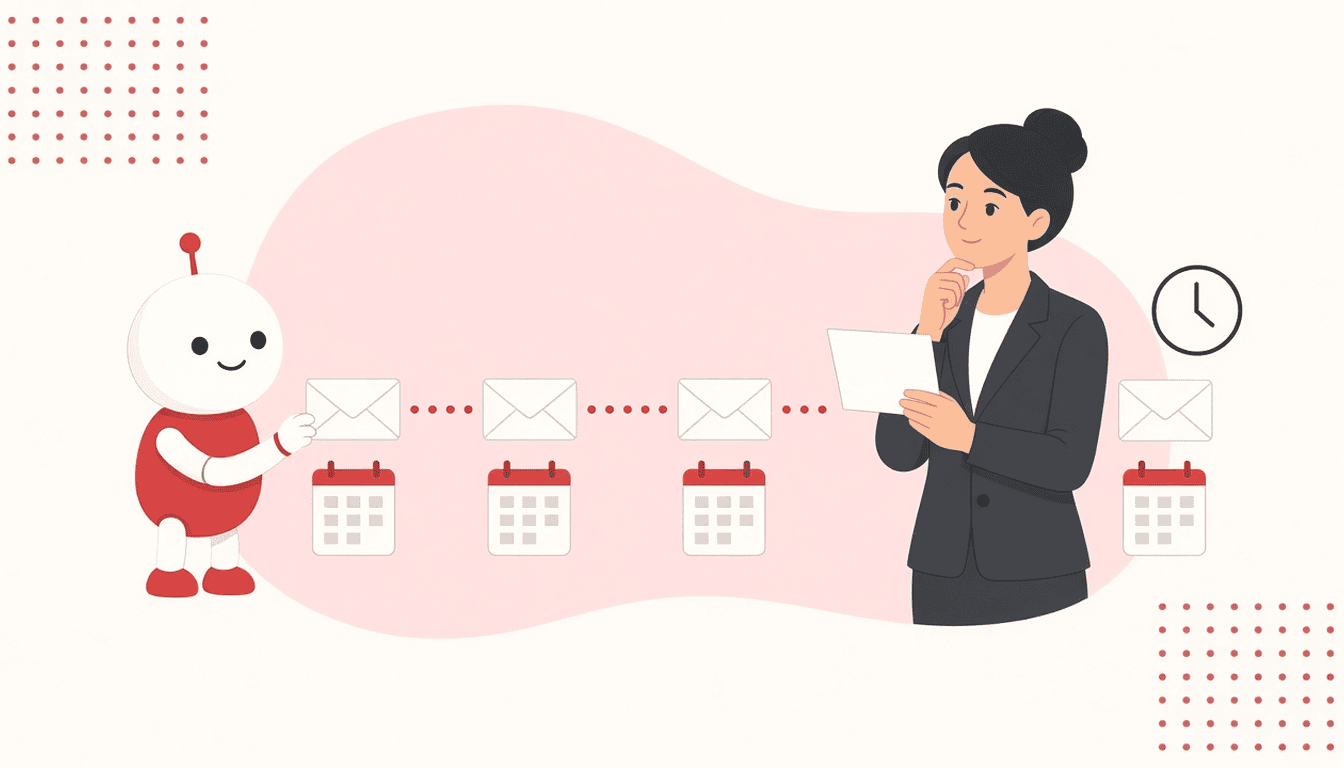
You send a well-written first email to an account that fits your ICP and get no reply. The natural reaction is to doubt: do I write again? When? What do I say that doesn’t sound like “I’m resending my previous email”? Almost always that doubt gets settled on the fly, message by message, and so each SDR ends up with their own cadence and nobody knows what works. A well-designed cold email sequence settles this before anything is sent: how many touches you will make, how much time you leave between them and what each one adds. Here is how to design it, with the reasoning behind each decision and a template for each touch.
What a cold email sequence is and what it decides
A sequence is the complete plan of contacts you will make with someone who doesn’t know you, written before the first send. It decides three things:
- Number of touches: how many times you will write before closing the thread.
- Cadence: how much time passes between one touch and the next.
- Role of each touch: what each message adds that the previous one didn’t.
If you want to go deeper into how to follow up without being a nuisance, we cover it in this guide on lead follow-up without being annoying. Here we focus on structure: how the sequence is built and what each touch contains.
Before designing it, you should have validated who you are writing to. A flawless sequence aimed at the wrong segment fixes nothing. If it still isn’t clear, start with how to validate your ICP with outbound before scaling.
How many touches: how to decide without copying other people’s numbers
There are plenty of figures online about the ideal number of touches. The problem is that they almost never say which market, ticket size or sales cycle they come from, so they don’t work as a rule. It is more useful to reason with your own variables.
What lengthens the sequence
- Long sales cycle and high ticket. If the decision involves several people and internal approval, the first email rarely arrives at the right moment. It makes sense to do more touches, more spaced out.
- Several decision makers. If you are going to contact more than one person at the same account, each has their own sequence and you need more margin so they don’t overlap.
- Weak timing signal. If you write without a clear “why now”, you need more touches to coincide with the moment the problem becomes a priority.
What shortens it
- Strong timing signal. A sales hire or a recent tool change is a window. If there is no reply in a few touches, the window closes.
- Small market. If your list of possible accounts is short, each contact is worth more and it pays to close stalled threads sooner.
- Simple offer. The less there is to explain, the fewer touches are needed for the person to decide whether they are interested.
How to set your number
Start from a number you can sustain with quality, not the highest possible. Each touch has to add something new: if you don’t know what you would say in a touch, that touch is surplus. Then measure at which touch the positive replies in your own campaign arrive. If almost all arrive in the first touches, cut. If they keep arriving at the last one, try adding one more in the next segment. Define your number with your data and review it whenever the segment or the offer changes.
How often: how to design the cadence
Cadence is the rhythm between touches. The general logic is to start closer together and space out later:
- At the start, touches closer together. The first email is still in the person’s memory; a second touch shortly after reinforces it.
- Afterwards, more space. If there is no reply after the first touches, insisting at the same pace only adds pressure. Spacing out gives their situation time to change.
- Business days. Count in business days and avoid a touch landing on public holidays or on closing periods of the sector you are writing to.
- Respect replies. Any reply, including a negative one or a referral to someone else, takes that contact out of the automatic sequence.
Set the cadence in your tool with fixed intervals for all contacts in the same segment. That way, when you compare results, you’ll know the difference comes from the segment or the message, and not from each SDR sending at their own pace.
Want to put this to work this week? Grab B2B prospecting guides and checklists to go from theory to your next sequence. Get the SDR Pack
Templates for each touch
These templates are structures, not texts to copy as they are. Replace what is in brackets with real data about the account and your offer. Don’t invent cases or results: if you don’t have one you can publish, use an observation about their sector or situation.
Initial touch: the reason and a question
Goal: that they understand in a few lines why you are writing to them and why now.
Subject: [specific signal] at [company]
Hi [name]. I saw that [timing signal: you are hiring SDRs, you have opened a market in…]. When that happens, [specific problem you solve] usually shows up.
At [your company] we help [type of company] with [what you do, in one sentence].
Does it make sense for me to tell you how we approach it in [their situation]?
Second touch: a new angle
Goal: add something the first one didn’t have. Don’t resend the same message.
Hi [name]. I’m writing with a different approach: [observation about their sector, their website or their sales process].
If [problem] is on your list, I can show you how we would tackle it at [company].
Third touch: a useful resource
Goal: give value without asking for a meeting.
Hi [name]. In case it helps with [goal], here is [resource: guide, checklist, template]. No need to reply.
Change-of-contact touch
Goal: check whether you are writing to the right person.
Hi [name]. This may not be your area. Who handles [area] at [company]? I’ll write to them directly if you point me to them.
Closing touch: the last message
Goal: close the thread politely and leave the door open.
Hi [name]. I assume this isn’t a priority right now, so I won’t write to you again about it. If at some point [problem] lands on your desk, I’m here.
The number of intermediate touches depends on what you decided earlier. If your sequence is longer, add touches that bring another angle or another resource, never empty reminders.
How to measure whether the sequence works
Measure each segment separately and with the same sequence, so you can compare:
- Reply rate = replies received ÷ contacts who entered the sequence.
- Meeting rate = meetings booked ÷ contacts who entered the sequence.
- Replies per touch: at which touch each positive reply arrived.
The third is the one that tells you most about the sequence. If positive replies concentrate on one specific touch, look at what that message has and try moving it earlier. If a touch generates nothing across several campaigns, rewrite it or remove it. Change just one thing at a time: the number of touches, the cadence or the text of a touch. If you change all three at once, you won’t know what worked.
Mistakes to avoid when building the sequence
- Empty reminders. “Did you see my email?” adds nothing new. If a touch has no content of its own, remove it.
- The same text for all segments. A template designed for a hiring signal doesn’t work for an account that has just changed CRM. Adjust at least the reason and the angle.
- Changing the sequence mid-campaign. If you modify touches or intervals with contacts already inside, you mix two versions and the data stops being comparable. Finish the batch and apply the change in the next one.
- Forgetting the rest of the account. If you write to several people at the same company, coordinate their sequences so they don’t receive the same message on the same day.
Checklist before launching your sequence
- ICP validated for the segment you are going to write to.
- Number of touches fixed based on sales cycle, decision makers, signal and market size.
- Cadence written down in business days, closer together at the start and more spaced out later.
- Each touch with a different role: reason, new angle, resource, contact, closing.
- Templates personalised with real account data, no invented cases.
- Automatic exit from the sequence on any reply.
- Metrics per touch and per segment ready before the first send.
A well-designed sequence takes day-to-day decisions off your plate: the SDR already knows what to send, when and why. That frees up time for what can’t be automated, which is understanding each account. At HelloMrLead we work in this order because booking meetings with people in your target depends more on choosing the right account and message than on sending more emails. You’ll find more practical material in our resources for SDRs.
Move from document to action. Grab B2B prospecting guides and checklists to go from theory to your next sequence. Get the SDR Pack

